

UniFi has launched an exciting new way to send money from the U.S. to the Philippines, giving you access to great rates and no fees. Here's a step-by-step guide on how it works.
1. Sign up for UniFi if you haven't already
Sign up for free to start sending money to the Philippines with no fees and great rates. Alongside easy, secure, and fast remittances, you’ll get access to other financial tools to help you manage your money better than ever:
- Zero maintenance fees and no minimum balance requirements, ensuring more of your money goes where it needs to.
- Easy-to-use interface with seamless integration for both physical and virtual debit cards with Apple Pay and Google Pay.
- Flexibility to link and transfer funds from existing U.S. bank accounts and debit cards quickly.
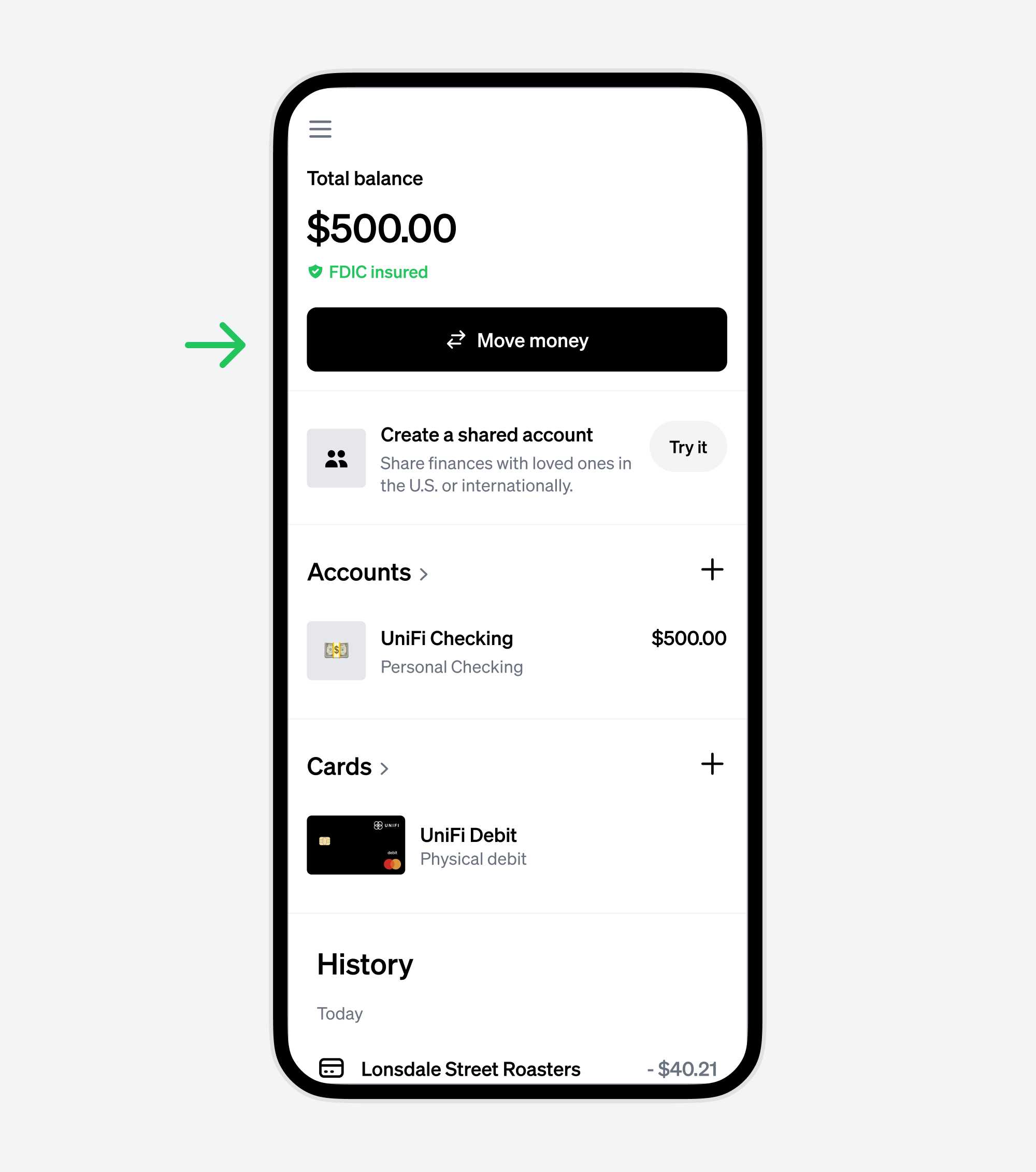
2. From the UniFi dashboard, click the "Move money" button.
This will take you to the screen where you'll create your transfer.
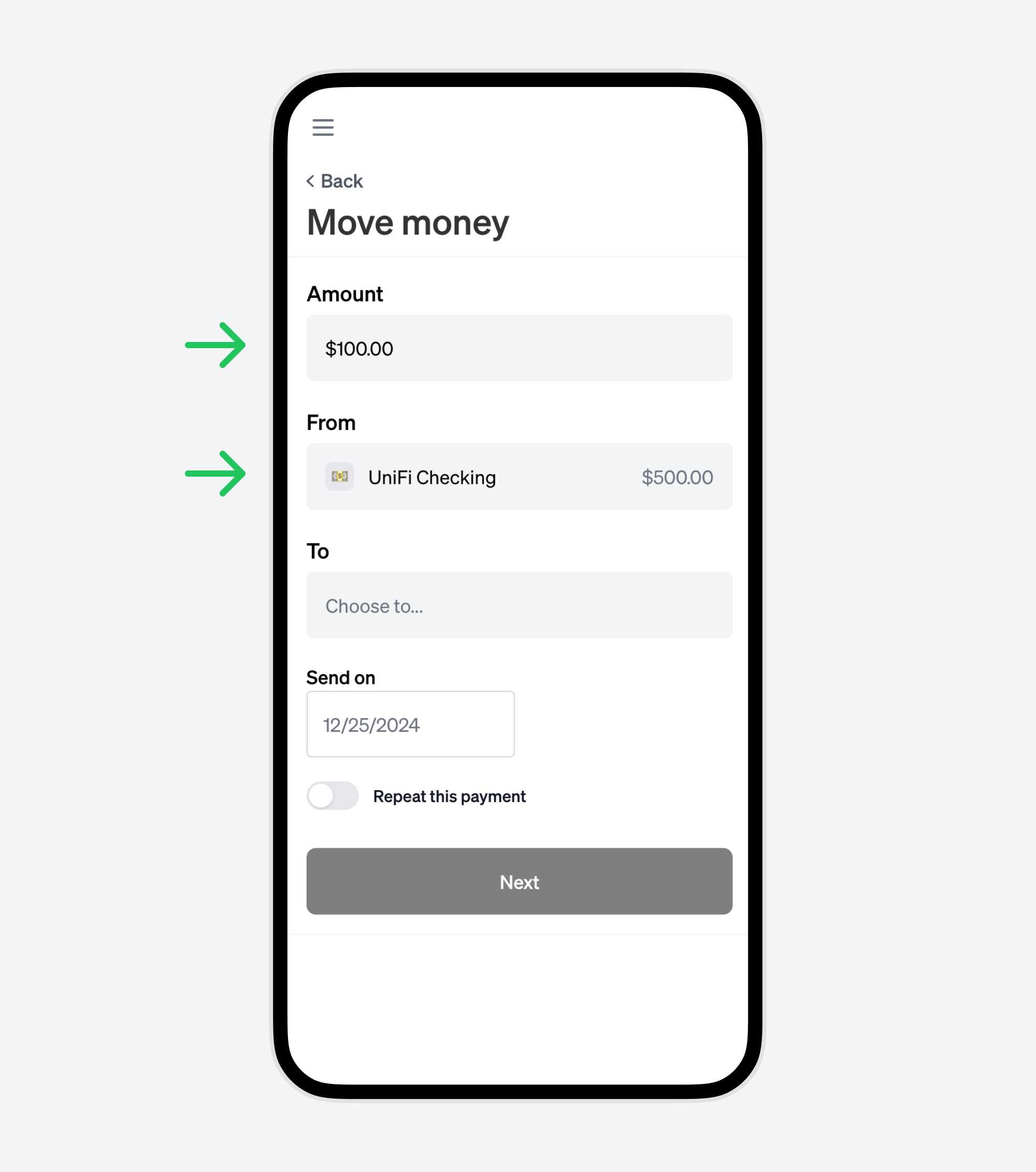
3. Enter the amount to send, and where you want the money to come from.
You can fund your transfer using a U.S. bank account or debit card.
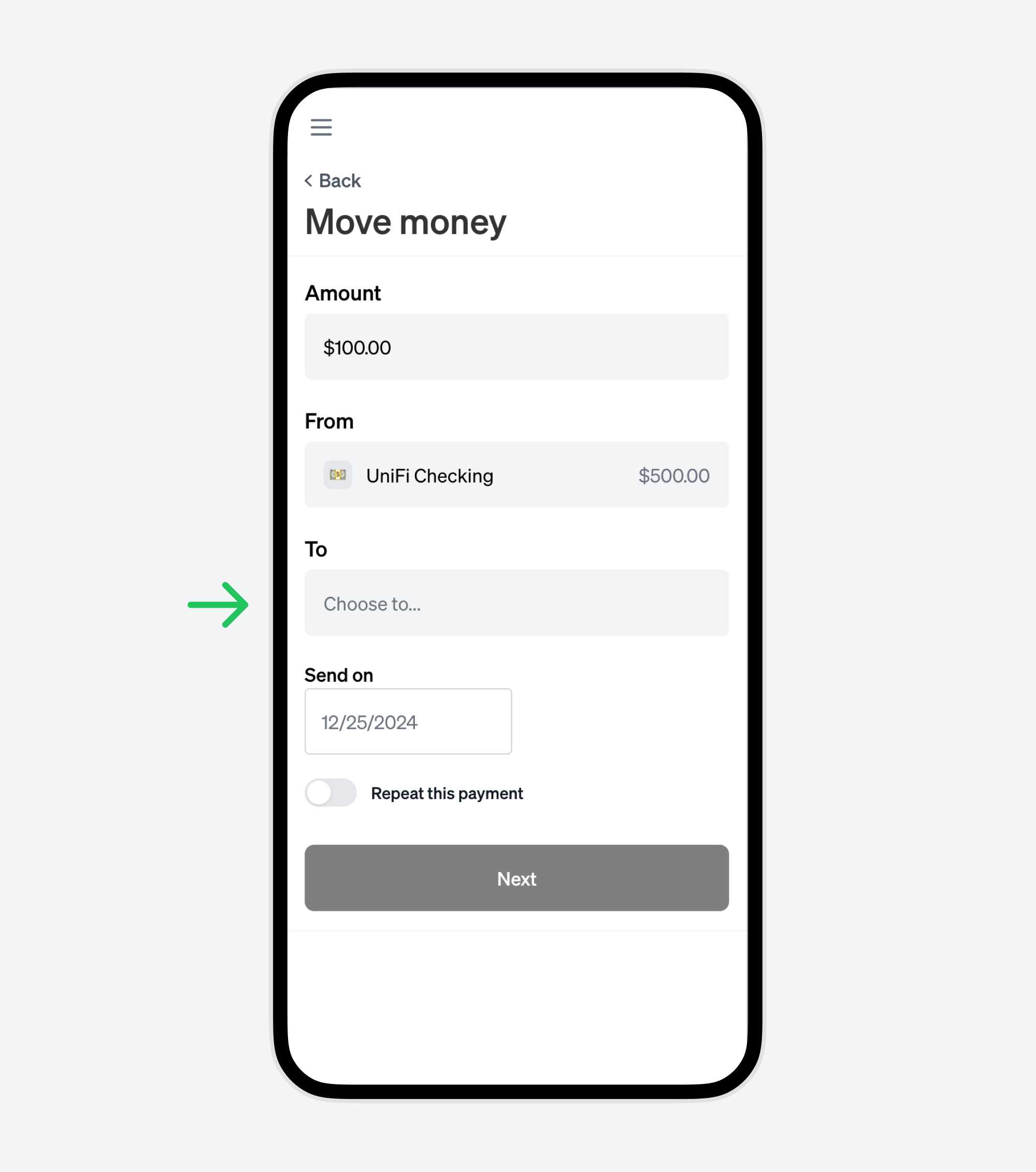
4. Click the “To” dropdown to add a new International Contact
On the next step, you'll add your international contact.
5. Enter the details of the recipient in the Philippines
UniFi lets you send from your U.S. bank account or debit card to popular Philippines financial institutions like GCash, BDO, BPI, Metrobank, PNB, Grab Pay, Ali Pay, and more.

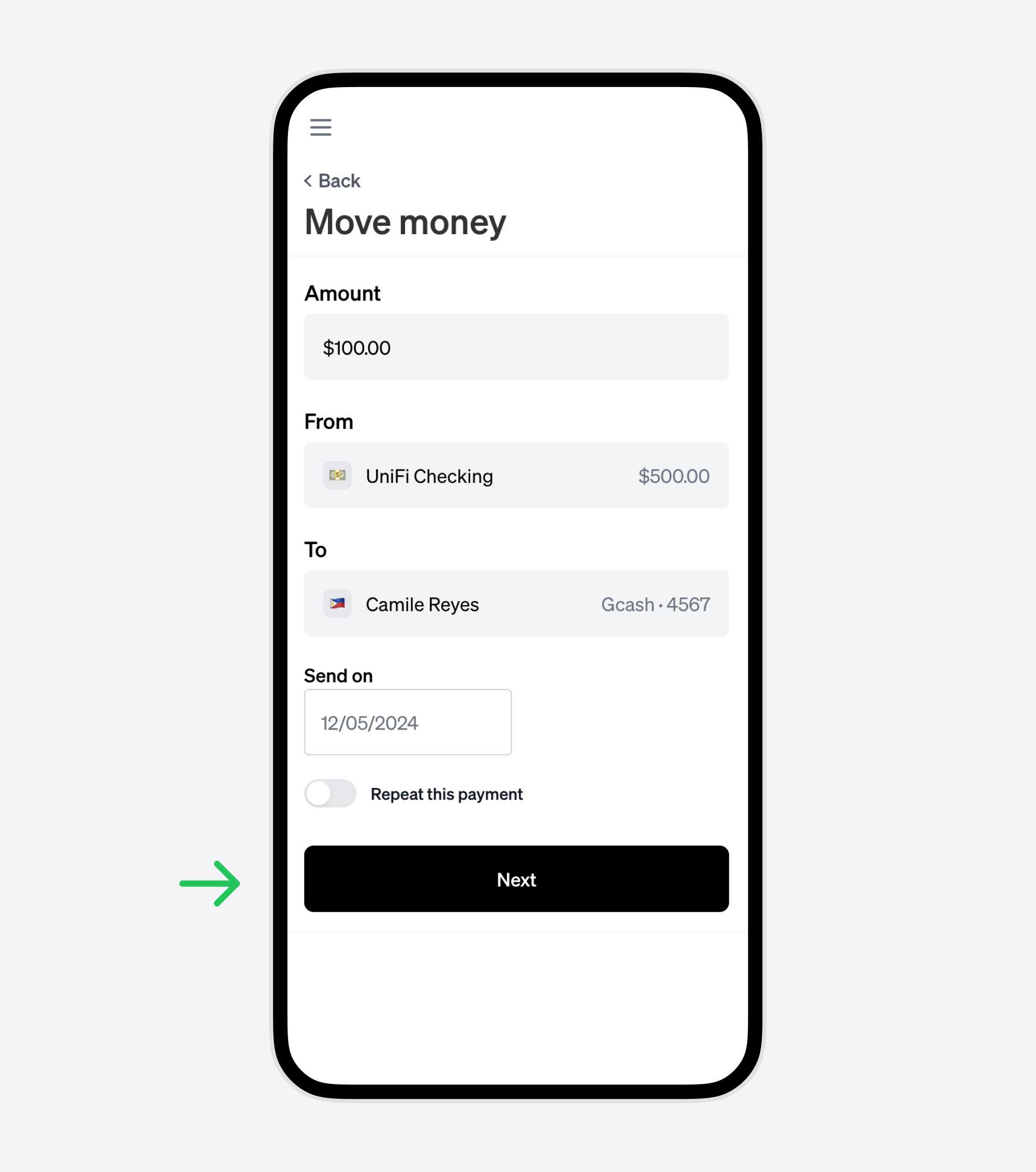
6. With the Amount, From, and To fields all filled out, click Next.
You'll confirm your transaction on the next step.
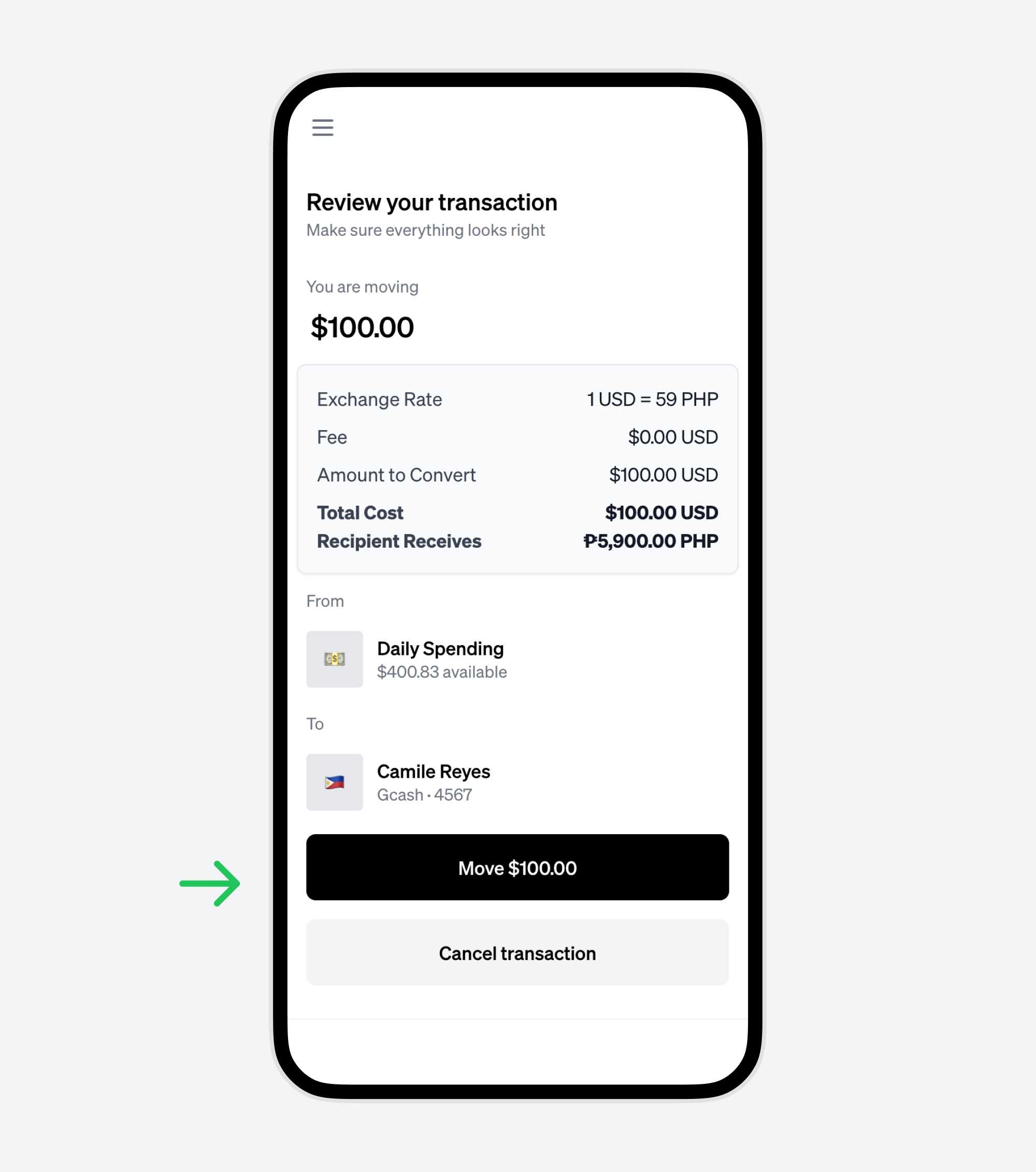
7. Review your transaction details, and confirm the transaction.
Make sure all the details are correct and confirm the transaction. This is the last step before your money is sent.
8. Your money is on its way!
Transfers through UniFi are fast — typically arriving within minutes.
Start sending money today
Experience UniFi’s exceptional rates and zero fees for yourself. Start sending money today!